

LINE marketing talks about high growth in performance.

img7

Unified Customer Communication

Unified Customer Communication
Unified Customer Communication

Through the use of gamification and Member-Get-Member (MGM) modules, you can enrich your customer interactions and data.

blog-img1-1

Unified Customer Communication

Through the use of gamification and Member-Get-Member (MGM) modules, you can enrich your customer interactions and data, reduce your customer acquisition cost, and utilize our marketing automation features for personalized content by different segmentation, thereby boosting revenue and conversion rates.

product-kv3

Unified Customer Communication

Through the use of gamification and Member-Get-Member (MGM) modules, you can enrich your customer interactions and data, reduce your customer acquisition cost, and utilize our marketing automation features for personalized content by different segmentation, thereby boosting revenue and conversion rates.

00
/ 00

Why integrate LINE official Account with MessageHero?

Enhance Your Data

Through the use of gamification and Member-Get-Member (MGM) modules, you can enrich your customer interactions and data, reduce your customer acquisition cost, and utilize our marketing automation features for personalized content by different segmentation, thereby boosting revenue and conversion rates.

Functionality for Message Classification to Minimize Operational Expenses

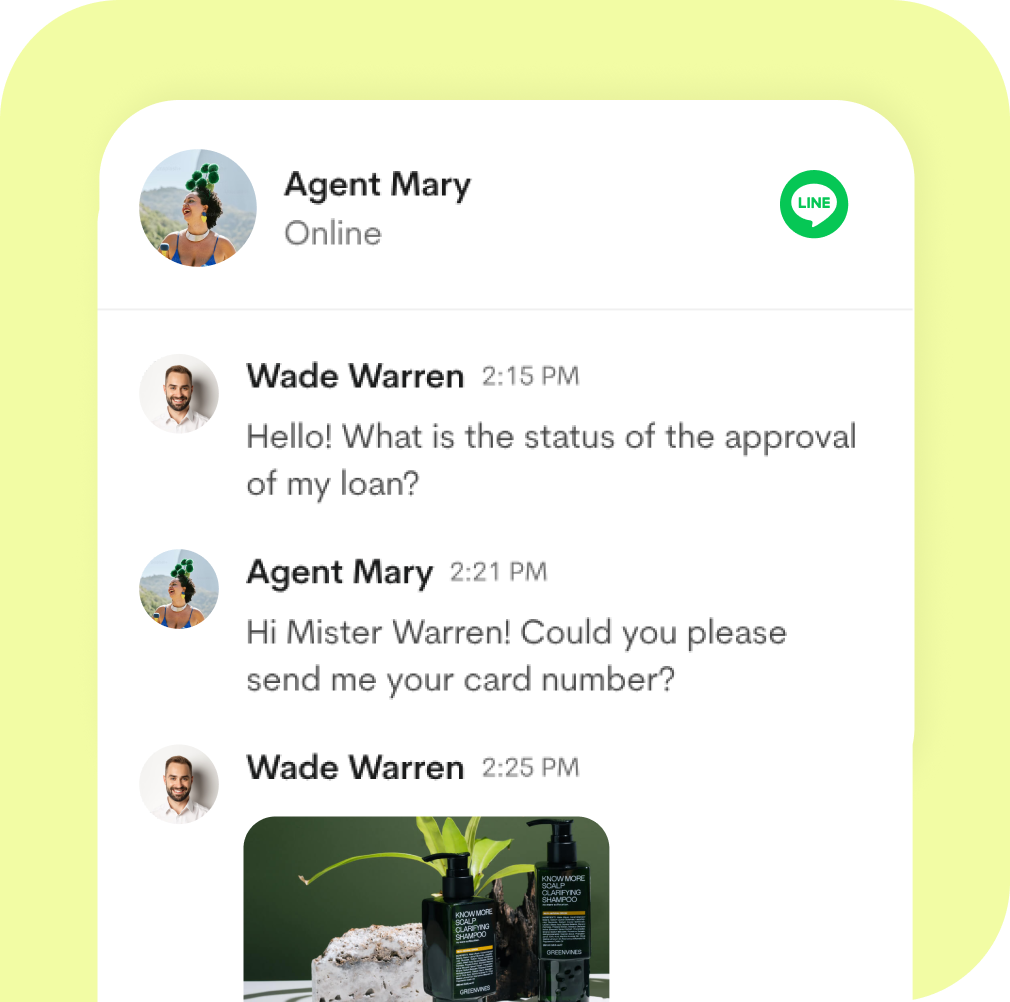
Features sophisticated functionality for classifying messages, aimed at enhancing the efficiency of your customer service processes and diminishing operational expenditures.
twocol2-1

Trim Operational Costs by Threefold

Utilize our potent analytics tools and reporting to fine-tune your marketing campaigns and broadcasts. By integrating your member data, gain a comprehensive view of your customer profiles.
twocol10

MessageHero makes LINE marketing more powerful

  • Audience Source Tracker
  • Marketing automation tools help brands improve marketing efficiency and amplify effects
  • Broadcast Analytics with A/B Testing
  • Integrate with your favorite CRM, CDP and E-commerce stores
  • Gamification modules for engaged customers
  • The MGM mechanism to increase the customer base through existing customers
  • LINE without MessageHero
  • LINE with MessageHero
  • unlimited

Connect your LINE official account to MessageHero

  • View and reply to messages and comments in your team inbox, View

  • View and reply to messages and comments in your team inbox, View
  • View and reply to messages and comments in your team inbox, View
Product10

Frequently Asked Questions

Don't see your question? Please contact our online support!

Will there be a conflict if LINE Official Account Manager also sets up friend addition messages and first-time conversation instant responses?

"We suggest that you save your work first and do not publish immediately. Instead, use the 'Preview' function in the editor to check if the settings are correct and to confirm whether the set scenarios achieve the effect you want. You can refer to the article on 'Preview' for more usage details." 

How should I set it up if I don't want to immediately publish the message bot to the LINE official account or Messenger?

"We suggest that you save your work first and do not publish immediately. Instead, use the 'Preview' function in the editor to check if the settings are correct and to confirm whether the set scenarios achieve the effect you want. You can refer to the article on 'Preview' for more usage details."

What should I do if LINE messages are not synchronized?

"We suggest that you save your work first and do not publish immediately. Instead, use the 'Preview' function in the editor to check if the settings are correct and to confirm whether the set scenarios achieve the effect you want. You can refer to the article on 'Preview' for more usage details."

What problems might arise after connecting to LINE?

"We suggest that you save your work first and do not publish immediately. Instead, use the 'Preview' function in the editor to check if the settings are correct and to confirm whether the set scenarios achieve the effect you want. You can refer to the article on 'Preview' for more usage details."

Can I import historical messages before connecting to LINE official account?

"We suggest that you save your work first and do not publish immediately. Instead, use the 'Preview' function in the editor to check if the settings are correct and to confirm whether the set scenarios achieve the effect you want. You can refer to the article on 'Preview' for more usage details."